
Accounting / Bookkeeping Migration Services in USA
Seamless Accounting Migration. Effortless Transition. with
Moving your books shouldn’t be a headache.
We specialize in secure, accurate, and swift cloud migration.
Accounting Migration Services
Smooth Transitions. Zero Data Loss. Maximize Your Efficiency.

* All trademarks and logos are the property of their respective owners. Used for visual reference purposes only.
What We Migrate
Every Major Platform. Every Direction.
QuickBooks Migration
Desktop to Online. Online to Desktop. Chart of accounts mapping, historical data, multi-currency, custom reports.
Get in TouchXero Migration
Bank feed setup, contact list import, invoice and bill transfer. Full balance verification at cutoff date.
Get in TouchSage Migration
Sage 50 and Sage 100 migrations handled. Department-to-class mapping, Pervasive data extraction included.
Get in TouchNetSuite Migration
Enterprise-level migrations to and from Oracle NetSuite. Multi-subsidiary, multi-currency, and custom field mapping.
Get in TouchFreshBooks Migration
Client records, outstanding invoices, expense history. Clean transfer to QuickBooks or Xero.
Get in TouchWave and MYOB Migration
Wave, MYOB, Zoho Books, and other platforms migrated to the platform that fits your growth stage.
Get in TouchAll product names and logos are property of their respective owners. Used for identification purposes only.
Our Migration Process
Six Steps to a Clean Migration
Assessment
We analyse your existing data, define migration scope, and agree on a step-by-step project plan with a clear cutoff date.
Data Cleansing
Before a single record moves, we fix errors, remove duplicates, and consolidate data. Clean data in means clean data out.
Data Mapping
Every field from the old system is matched to the correct field in the new system. Account types, tax codes, and categories all verified.
Trial Run
We run a test migration and reconcile every balance against the source system before your team sees anything.
Go Live
Final data import and reconciliation. Opening balances verified. Bank feeds connected. New system ready for your first transaction.
Post-Migration Support
Ongoing support and team training. We don't hand over the keys and disappear. We stay until you are fully confident.
Common Questions
What Businesses Ask Before Migrating
Do I need to migrate all my historical data?
Not always. Most businesses opt for a partial migration: open balances and current-year transactions. Full historical migration is available when you need it.
When is the best time to migrate?
End of a fiscal year or tax quarter is ideal. Month-end is the next best option. We work to the timing that minimises disruption to your operations.
Can I keep running my business during migration?
Yes. A well-planned migration causes zero operational downtime. Invoicing, expense management, and payments continue uninterrupted throughout.
What are the risks of doing it yourself?
Data loss, mismatched balances, incorrect account classifications, and compliance issues. A DIY migration that goes wrong costs far more to fix than a professional migration costs to do right.
🎓
Certified Experts
ProAdvisors for QB and major platforms
🎯
Meticulous Accuracy
Every balance verified before go-live
⚡
Minimal Disruption
Business continues during migration
🔐
Data Security First
Your financial data protected throughout
🤝
Post-Migration Support
Training and support until you are confident
Ready to Make the Move?
Let's Talk About Your Migration.
Schedule a free consultation. We will assess your current system, identify the cleanest migration path, and give you a clear timeline before any commitment.
Book Free Migration ConsultationResponse within 24 hours. No commitment required.


* All trademarks and logos are the property of their respective owners. Used for visual reference purposes only.
Seamless Transitions: Expert Accounting Migration Services
Moving your financial data, systems, or platforms doesn’t have to be a headache. Our migration services ensure a smooth, secure, and efficient transition, minimizing downtime and protecting your valuable information.
Whether you’re upgrading accounting software, consolidating data from multiple sources, or shifting to robust cloud platforms, we handle the complexities.
Our specialists meticulously plan and execute every step, from initial assessment and data cleansing to validation and post-migration support, guaranteeing your new environment is fully optimized and ready for business.
Trust us to manage your migration with precision, so you can focus on what matters most: running your operations without interruption.

Accurate bookkeeping is just the beginning. At Quick Fix Bookkeeping, we leverage this clean data to provide meaningful accounting insights.
We work with both cash basis of accounting and accrual basis of accounting methods, tailoring our approach to your business needs and ensuring compliance with essential accounting principles.
Our expertise helps you understand critical financial elements, from operating revenues and operating expenses to the full profit and loss account.
We help you grasp the true picture of your financial performance by preparing clear financial statements, including vital income statements and insightful cash flow statements.
Understanding your net income, the impact of retained earnings, and the structure of your balance sheet accounts (including current assets, liability accounts, accumulated depreciation, prepaid insurance, and various loan types like short-term loans payable, installment loans payable, and mortgage loans payable with their maturity dates and principal amounts) is crucial for strategic growth. We also ensure correct revenue recognition principles are applied, differentiating between earned and unearned revenues or deferred revenues.
Numbers Made Simple. Growth Made Possible.
Expert Accounting & Bookkeeping for Your US Business. Look no further for your Accounting Migrations needs.

Frequently Asked Questions: Accounting Migration Services
What is accounting data migration?
Accounting data migration is the process of moving financial information, such as your chart of accounts, historical transactions, customer and vendor data, and reports, from an old accounting system to a new one.
Get in Touch with Quick Fix Bookkeeping for Migration Services.
Why should a business migrate its accounting software?
Businesses migrate for a variety of reasons.
Is it necessary to migrate all my historical data?
No, it’s not always necessary. Most businesses opt for a partial migration, moving only open balances and recent transactions (often from the start of the current fiscal year).
What is the best time to migrate accounting software?
The ideal time to migrate is at a natural cutoff point, like the end of a fiscal year or a tax quarter.
How long does an accounting migration take?
The timeline varies depending on the complexity and volume of data.
Can I still operate my business during the migration?
A well-planned migration minimizes business disruption.
What are the biggest risks of a DIY migration?
The primary risks are data loss, data corruption, and inaccuracies. Without a structured process and expertise, you might face mismatched data fields, missing transactions, or incorrect balances, which can lead to significant financial reporting issues and compliance problems down the line.
What data do I need to prepare before migration?
Before starting, you should have a reconciled balance sheet, profit and loss statement, and a list of open accounts receivable and accounts payable.
What is "data mapping" and why is it important?
Data mapping is the process of matching data fields from your old system to the corresponding fields in the new system. For example, ensuring that your “Expense Category” field in the old software aligns with the correct field in the new one. This step is crucial for maintaining data integrity and preventing misclassification.
What is the Quick Fix Bookkeeping migration process?
Our process is designed for a seamless transition.
Which accounting software do you support for migration?
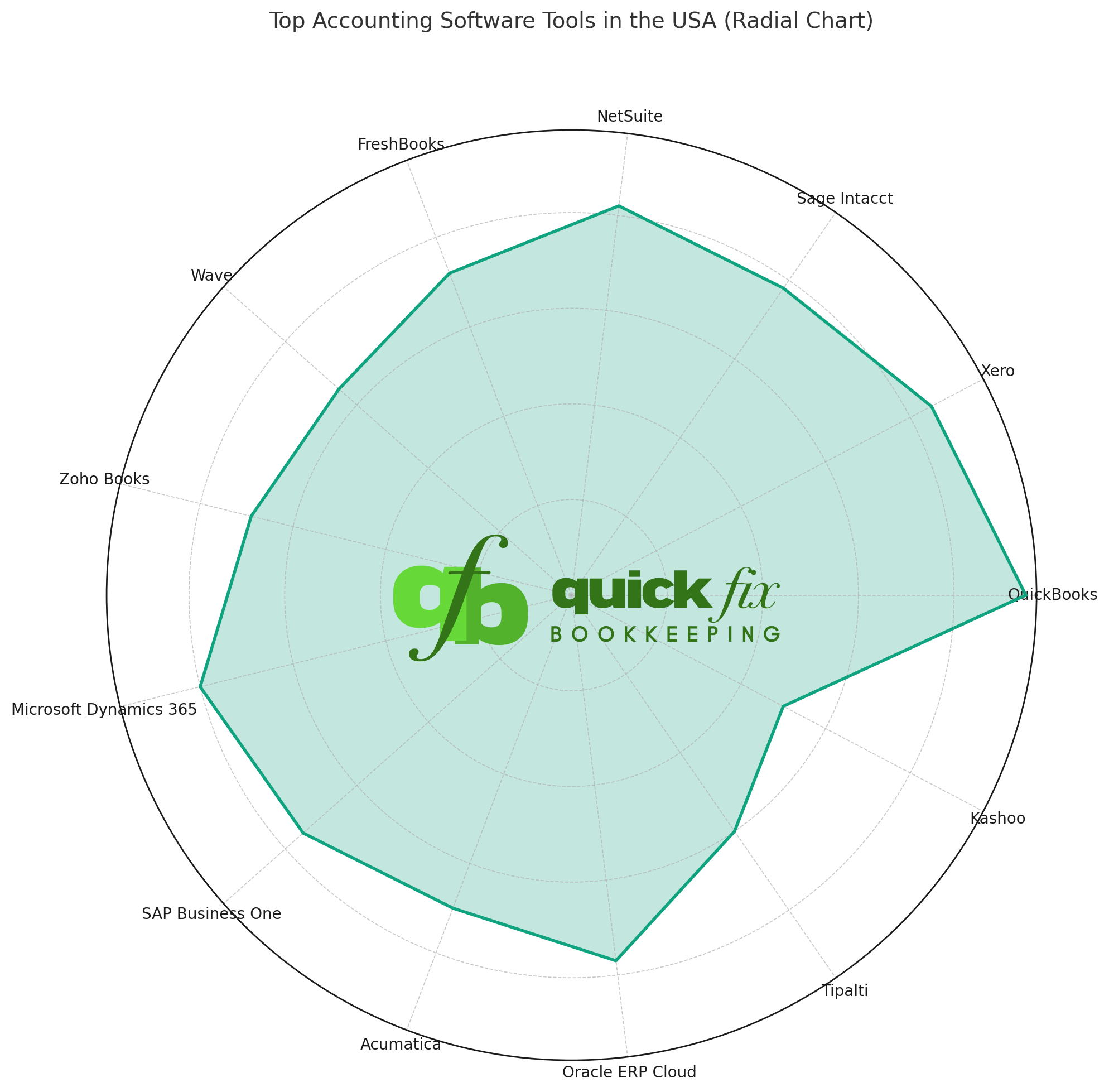
We have extensive experience with migrating to and from leading accounting software, including QuickBooks Online, Xero, Sage Intacct, NetSuite, and more.
Do you offer post-migration support and training?
Yes. Our service doesn’t end with the data transfer.
Ready to Make the Move?
Let’s discuss your migration needs. Just schedule an appointment and we’ll get back to you within 24 hours.
Let Quick Fix Bookkeeping bring the power of Accounting to your business.