
Xero Error 503
Let’s Dive in…
How to Fix Xero
Error = 503
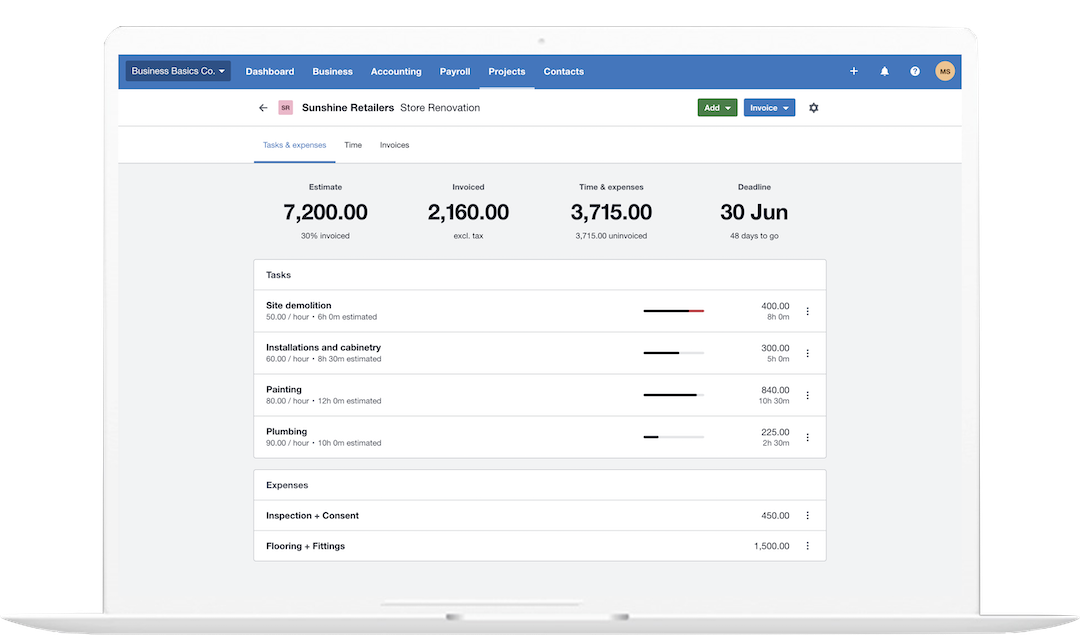
* All trademarks and logos are the property of their respective owners. Images for visual reference only.
Xero HTTP Error · 5xx Server Errors
How to Fix Xero Error 503 — Service Unavailable
Xero displays: "503 Service Unavailable" or "HTTP 503 — The Organisation is Offline"
Xero Error 503 is a server-side HTTP error — it means Xero's servers cannot handle your request right now. At QuickFix Bookkeeping, the critical distinction: nothing you have done caused this error, and in most cases there is nothing you can do to fix it except wait. Your data is safe. The error is temporary.
The QuickFix Bookkeeping Distinction — Two Types of Xero 503
Xero's API documentation defines two distinct 503 responses. They look similar but have different causes and durations.
503 Not Available — General Outage
Xero's service is temporarily unavailable for all users — due to planned maintenance, an infrastructure incident, or server overload during peak demand. Check status.xero.com immediately. If there is an active incident, wait for Xero to resolve it. Usually resolves within minutes to a few hours.
503 Organisation Offline — Migration
Your specific Xero organisation is temporarily offline — Xero is migrating your data to new infrastructure. Documented in Xero's API: "The Organisation is Offline." Other organisations are unaffected. Typically lasts minutes to a couple of hours. Wait and retry. Your data is being safely migrated.
503 vs other Xero 5xx errors: 503 = server cannot handle request (temporary, wait). 500 = internal server error in Xero's code (Xero's bug, report it). 502 = bad gateway (Xero's infrastructure routing issue). 504 = gateway timeout (Xero's backend too slow). All 5xx errors originate on Xero's servers — none of them indicate a problem with your data or your internet connection.
503 vs 429 (Rate Limit): If you are using Xero's API (via an integration or accounting add-on) and receiving 503 errors, first check whether the issue is actually a 429 Too Many Requests — which means your integration is sending too many API calls per minute. 503 means the service is unavailable for everyone; 429 means you specifically need to slow down. These are different problems with different fixes.
What Causes Xero Error 503?
Xero Planned Maintenance
Xero periodically takes its service offline for infrastructure upgrades, security patches, and major releases. Planned maintenance is communicated in advance via the Xero Status page and email notifications to subscribers. The 503 during maintenance is intentional and expected — it resolves as soon as maintenance completes.
Unplanned Infrastructure Incident
An unexpected problem with Xero's server infrastructure — a failed deployment, hardware issue, cloud provider problem (Xero runs on AWS), or networking incident — makes the service temporarily unavailable. Xero's engineering team responds to these incidents urgently. Check status.xero.com for incident updates and estimated resolution times.
Organisation-Specific Data Migration
Xero's documented "Organisation Offline" 503 occurs when your specific organisation's data is being migrated to new infrastructure. This does not affect other Xero organisations. Migrations are done in batches and typically complete in minutes, though can occasionally take up to a couple of hours. Your data is completely safe during migration.
Server Overload During Peak Demand
During periods of exceptionally high concurrent usage — typically around financial year-end periods, tax deadlines, or after major features launch — Xero's servers may temporarily exceed capacity and return 503 to protect against a complete crash. This type of 503 usually resolves within minutes as load balancing redistributes traffic.
Cached 503 Response in Your Browser
In rare cases, your browser has cached a 503 error page from an earlier Xero outage. Even after Xero's service is restored, you continue to see the cached error. This is a client-side cause — and the only 503 scenario you can directly fix. Clearing browser cache and cookies resolves it.
API Integration Rate Limiting or Misconfiguration
If you are accessing Xero through an integration (Zapier, a payroll system, inventory software, etc.) and seeing 503 in that integration's logs, the app may be misconfigured or Xero's API may be responding to a specific integration-level issue. Check the integration's own status and logs, and verify it's using the correct Xero API version.
What to Do When You See Xero Error 503
In most cases, the correct response to a 503 is to check Xero's status page and wait. Most 503s resolve on their own within minutes.
Quick Reference
| Your situation | What it means | What to do |
|---|---|---|
| status.xero.com shows active incident | Confirmed Xero-side outage | Wait for Xero to resolve — subscribe to updates |
| Only your organisation is affected (others can log in) | Organisation Offline — data migration | Wait — migration typically completes within 2 hours |
| Status page shows all clear, 503 persists | Possible cached error or browser issue | Clear cache, try incognito, try different browser |
| 503 for 2+ hours, no status page incident | Organisation-specific issue not on status page | Contact Xero Support directly |
Frequently Asked Questions
Related Xero Errors
Xero 503 Resolved — But Your Books Need Catching Up?
Let QuickFix Bookkeeping Get Your Xero Back on Track.
Certified Xero Advisors — Bookkeeping & Integration Specialists
Downtime during month-end, BAS preparation, or payroll runs can leave your books behind. Our Xero-certified advisors can help you catch up, verify data integrity after an outage, and set up status alerts so you're always first to know about future incidents.
Book a Free 30-Minute ConsultationNo obligation. Same-day response.