
MYOB Migration & Support
Expert MYOB Migration Support & Training from Quick Fix Bookkeeping
Smooth, Secure, and Seamless with QuickFix Bookkeeping
Your Data, Your Direction: Seamlessly Migrate To OR From MYOB with QuickFix Bookkeeping. Transition to a superior accounting solution with minimal disruption.
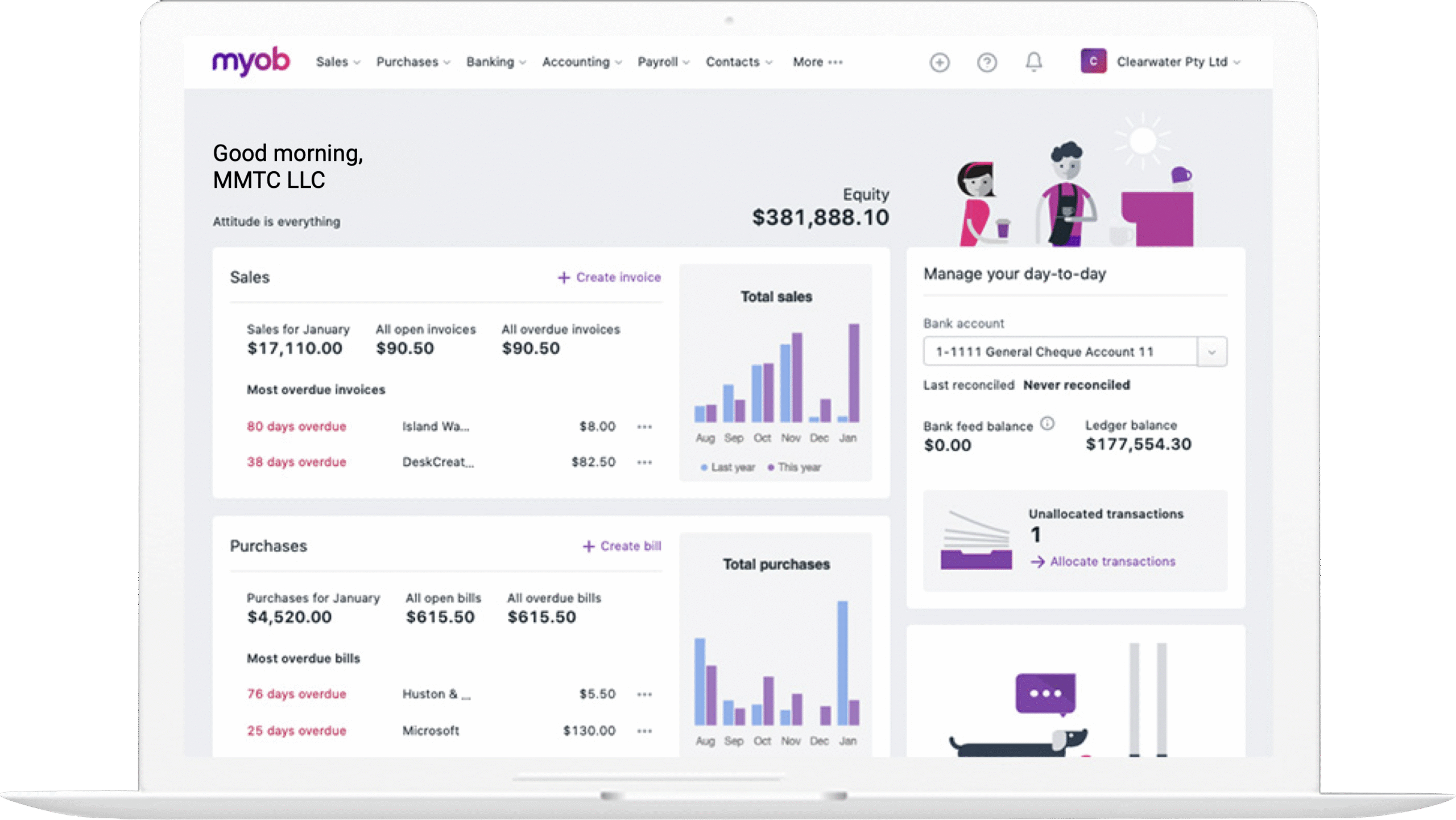
* All trademarks and logos are the property of their respective owners. These are used for visual reference only.
Why Migrate from MYOB?
While MYOB has served many businesses well, migrating to a different platform can offer significant benefits:
-
Advanced Functionality: Gain access to more powerful reporting, automation, and analytics tools.
-
Scalability: Transition to a system that can handle higher transaction volumes, multi-entity operations, or complex financial structures as your business grows.
-
Cloud Accessibility: Move to a cloud-based solution for real-time access to your financial data from anywhere, on any device.
-
Integration: Connect with a wider ecosystem of third-party apps and services to streamline your workflows.
-
Optimized Performance: Enjoy faster processing speeds and a more intuitive user interface.
Our Migration Process: Quick, Easy, and Secure
At Quickfix Bookkeeping, we understand that migrating accounting software can feel daunting. Our expert team follows a meticulous, three-step process to ensure a flawless transition with minimal disruption to your business operations.
1. Assessment & Planning:
We begin with a thorough consultation to understand your current system, business needs, and financial data structure. We then create a customized migration plan, including a timeline and a checklist of all necessary data points.
2. Data Migration & Validation:
Our specialists will securely transfer your historical financial data from your current system (e.g., QuickBooks, Xero, or spreadsheets) to the new Sage platform. We perform rigorous data validation and reconciliation to ensure every transaction and record is accurately accounted for.
3. Training & Ongoing Support:
Once the migration is complete, we don’t just leave you to it. We provide comprehensive training for you and your team, helping you get the most out of your new Sage software. We’re also available for ongoing support, answering your questions and assisting with any post-migration needs.
Why Choose Quickfix Bookkeeping for Your MYOB Migration?
-
Expertise: Our team consists of certified accountants and data migration specialists with extensive experience in MYOB and other major accounting platforms.
-
Accuracy Guaranteed: We pride ourselves on our meticulous attention to detail. We ensure your financial data is migrated with 100% accuracy, eliminating the risk of costly errors.
-
Minimal Disruption: We plan the migration to minimize downtime, allowing your business to continue operating smoothly.
-
Customized Solutions: We understand that every business is unique. We tailor our services to your specific needs, whether you’re moving to Sage, QuickBooks, Xero, or another platform.
-
Complete Peace of Mind: We handle the entire process from start to finish, so you can have complete confidence in your new accounting system from day one.
What does "MYOB migration" mean?
MYOB migration refers to the process of transferring your financial data either from an existing MYOB product (like AccountRight or Essentials) to a new accounting system (e.g., Xero, QuickBooks Online, or a more advanced Sage solution), or to a new MYOB version or product (e.g., from an older desktop MYOB to MYOB Business cloud). It ensures your historical financial information, client details, and more are accurately moved.
Why should I consider migrating my accounting software?
Businesses migrate for various reasons, including seeking enhanced functionality, better scalability for growth, improved cloud accessibility, broader integration capabilities with other business tools, or simply to streamline operations and gain more efficient performance from their accounting system.
Is data loss a risk during MYOB migration?
When handled by experienced professionals like QuickFix Bookkeeping, the risk of data loss is minimized. We employ meticulous data extraction, cleaning, and validation processes, along with secure transfer methods, to ensure the integrity and accuracy of your financial records throughout the migration.
How long does a typical MYOB migration take?
The timeframe for an MYOB migration varies based on the volume and complexity of your data, as well as the specific MYOB version and the target accounting system. Basic migrations can take a few business days, while larger or multi-entity setups may require more time. QuickFix Bookkeeping provides a clear timeline and minimizes disruption during the process.
Can I still access my old MYOB data after the migration?
Yes, it’s generally recommended to maintain a read-only backup of your old MYOB file or export key reports before fully discontinuing your old subscription. QuickFix Bookkeeping can guide you on the best practices for archiving your historical MYOB data for compliance and reference.
Migrating From MYOB to another system
What data can be migrated from MYOB to a new accounting system (e.g., Xero, QuickBooks)?
A: Typically, we can migrate a wide range of data, including:
-
Chart of Accounts
-
Customer and Supplier (Vendor) details
-
Conversion Date Balances (Trial Balance)
-
Open Sales Invoices and Credit Notes
-
Open Purchase Invoices and Credit Notes
-
Item Master details (inventory)
-
Historical transactions (often 12-24 months, with older data archived or summarized). Some specific data types, like attachments or complex payroll history, might require alternative handling or manual entry in the new system.
What preparation is needed before migrating from MYOB?
Key preparation steps include:
-
Ensuring all users stop entering data in MYOB.
-
Reconciling all bank and credit card accounts.
-
Resolving outstanding bills or invoices.
-
Reviewing contact lists and employee leave records for accuracy.
-
Adjusting any negative inventory stock.
-
Creating a final backup of your MYOB file. QuickFix Bookkeeping will provide a detailed checklist tailored to your specific MYOB version.
Will all my customized forms and reports from MYOB transfer to the new software?
Often, customized forms and specific report layouts from MYOB may not directly transfer to a new system due to differences in software architecture. Our team will work with you to understand your reporting needs and help configure the new system to generate comparable reports.
Ready to Move Beyond MYOB?
Don’t let outdated software hold your business back.
Let QuickFix Bookkeeping handle your MYOB migration with precision and care.