
Wave CSV Import Errors

Let’s Dive in…

How to Fix Wave CSV Import Errors
Wave Migration Services by QuickFix Bookkeeping

* All trademarks and logos are the property of their respective owners. Images used for visual reference only.

Wave CSV Import Error ยท Bank Statement Import Failed

How to Fix Wave CSV Import Errors

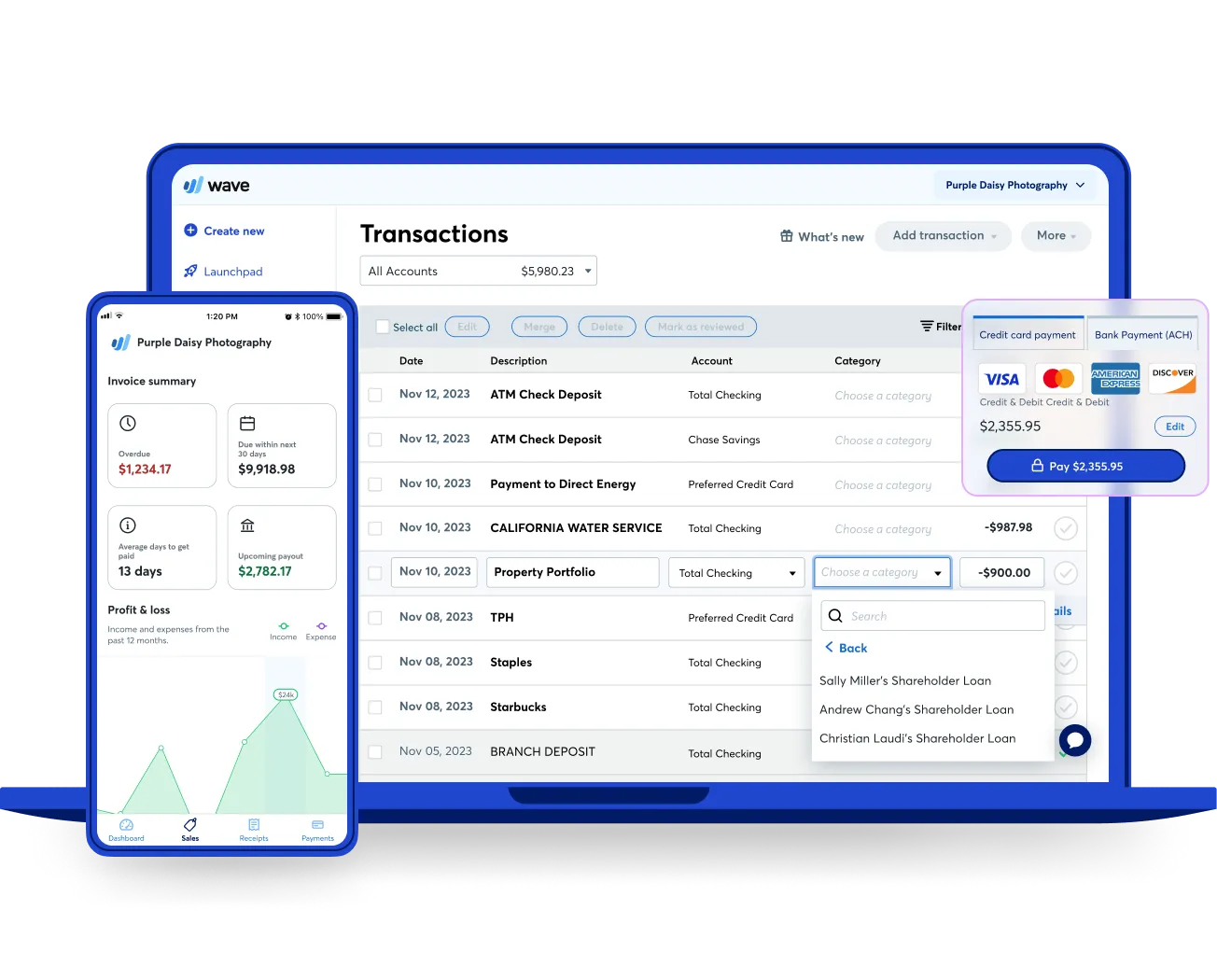
Wave displays errors when importing a bank statement CSV -- "Import failed", rows are skipped, amounts are imported incorrectly, or transactions appear as the wrong type (income vs expense).

At QuickFix Bookkeeping, Wave CSV import errors come from incorrect column mapping (Wave cannot identify which column is Date, Amount, or Description), date format mismatch (Wave expects MM/DD/YYYY but the bank exports DD/MM/YYYY), or the Amount column including both positive and negative values without a separate Debit/Credit column.

How to Fix Wave CSV Import Errors

METHOD 1Format CSV to Wave's Required StructureFixes most Wave import failures
1

Wave's required CSV format: three columns minimum -- Date (MM/DD/YYYY), Description (text), Amount (negative for expenses, positive for income). Open the bank CSV in Excel and gt; reformat the date column, rename headers to match, ensure amounts use negative numbers for debits and gt; save as CSV.

2

If the bank exports separate Debit and Credit columns: add a formula column in Excel to combine them into a single Amount column (=IF(D2<>"", -D2, E2) where D=Debit, E=Credit) before importing to Wave.

METHOD 2Fix Date Format IssuesDates not recognised during import
1

Open the CSV in Excel and gt; select the Date column and gt; Format Cells and gt; Custom and gt; type MM/DD/YYYY. If dates are stored as text (common in bank exports): use Text to Columns on the Date column to convert them to proper dates and gt; then reformat. Save as CSV and retry the Wave import.

METHOD 3Use OFX Format Instead of CSVCSV keeps failing -- switch format
1

Log into the bank website and gt; check if an OFX, QFX, or QBO download option is available in addition to CSV. Wave accepts OFX/QFX files which have a standardised format that does not require column mapping or date reformatting. OFX imports are significantly more reliable than CSV imports for Wave.

Wave CSV Import Still Failing After Reformatting?

Let QuickFix Bookkeeping Import Your Transactions into Wave.

We reformat and import your bank statement data correctly and set up a recurring import process -- or help you migrate to a platform with more reliable bank connectivity.

Book a Free 30-Minute Consultation

No obligation. Same-day response.