
Xero Integration Errors
Let’s Dive in to see…
How to Fix Xero Integration Errors
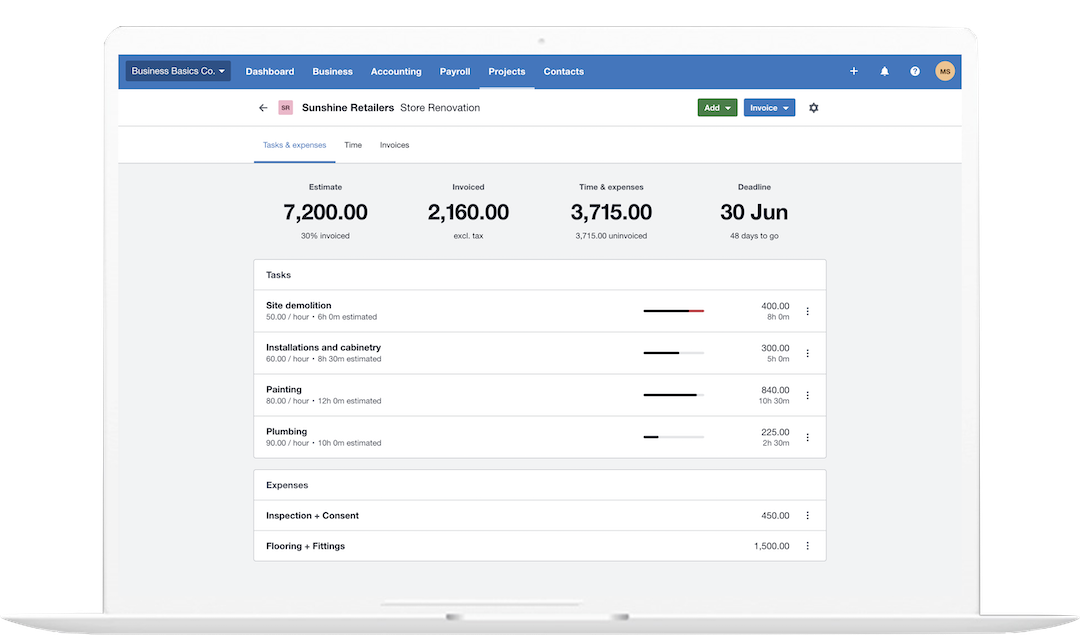
Xero Integration Error · Third-Party App Sync Failed
How to Fix Xero Integration Errors
A third-party app connected to Xero stops syncing -- displaying errors like "Integration failed to sync", "Authentication error", or "Cannot connect to Xero" in the third-party application.
At QuickFix Bookkeeping, Xero integration errors almost always trace to one of three causes: the Xero OAuth token expired (most common -- Xero tokens expire after 30-60 days of inactivity), Xero API rate limit hit, or the connected app's permissions were revoked in Xero.
Three Causes -- Which Applies?
OAuth Token Expired
Most common. The app shows "Authentication error" or "Reconnect required." Fix: disconnect and reconnect the app to Xero to generate a fresh token.
API Rate Limit
Xero allows 60 API calls per minute. If the app syncs too frequently, it hits the limit and pauses. Fix: wait 5 minutes and retry, or reduce the sync frequency in the app settings.
Permissions Revoked
Someone removed the app's access in Xero. Fix: Xero and gt; Settings and gt; Connected Apps and gt; re-authorise the app.
How to Fix Xero Integration Errors
Xero Integration Still Failing After Reconnecting?
Let QuickFix Bookkeeping Fix Your Xero Integration.
Complex integration failures often involve API scope mismatches or data mapping errors between Xero and the third-party app -- we diagnose the exact failure point and restore the sync.
Book a Free 30-Minute ConsultationNo obligation. Same-day response.