
FreshBooks Support
Expert FreshBooks Support & Training from Quick Fix Bookkeeping
FreshBooks Frustration? We’re Your Quick Fix!
Are you a small business owner, freelancer, or solopreneur who loves FreshBooks but sometimes feels lost in the details? Do you wish you had a go-to person to answer your questions, fix your errors, and ensure your books are always accurate?
You’re in the right place. Quick Fix Bookkeeping offers dedicated and specialized support for FreshBooks users just like you. We don’t just “do” bookkeeping; we empower you to master your own financial management with the help of FreshBooks.
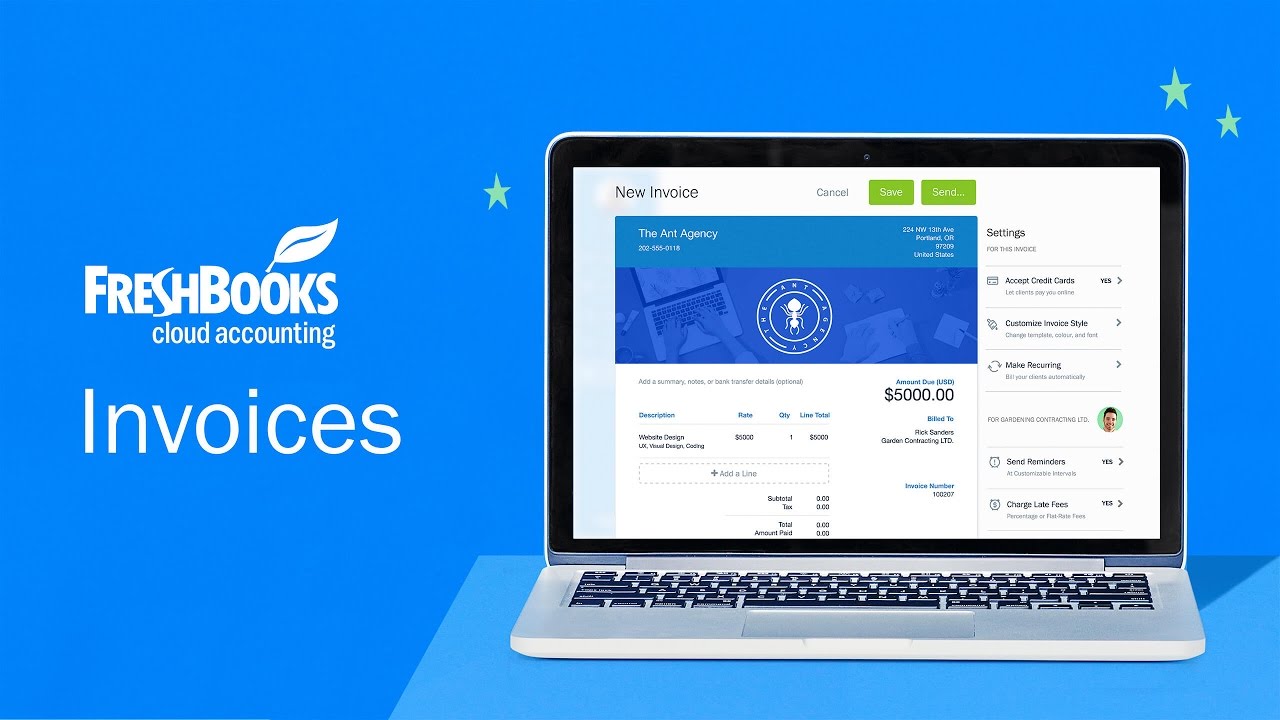
* All trademarks and logos are the property of their respective owners. These are used for visual reference only.
Why Choose Quick Fix Bookkeeping for Your FreshBooks Needs?
- FreshBooks Specialists: We live and breathe FreshBooks. Our team is intimately familiar with every feature, from invoicing and expense tracking to project management and time tracking. We know the shortcuts, the workarounds, and the best practices.
- Tailored Solutions: Your business is unique, and your bookkeeping needs are too. We don’t offer a one-size-fits-all solution. We’ll work with you to understand your specific challenges and goals, then create a customized support plan that fits your budget and schedule.
- Beyond the Basics: While FreshBooks is user-friendly, there are times you need a deeper understanding. We’ll help you with advanced features like client retainers, managing multiple projects, and integrating with other apps to streamline your workflow.
- Empowerment, Not Dependence: Our goal is to make you confident in using FreshBooks. We provide training and guidance so you can handle the day-to-day tasks with ease. We’re here as your safety net, not as a replacement for your own financial management.
Our FreshBooks Support Services
1. FreshBooks Setup & Migration
- Get started the right way. We’ll help you set up your FreshBooks account, customize your settings, and ensure your chart of accounts is accurate.
- Moving from another software? We’ll handle the seamless migration of your data to FreshBooks, so you don’t lose a single invoice or expense.
2. One-on-One Training & Coaching
- Stuck on a specific task? Schedule a personalized training session with one of our FreshBooks experts.
- Learn how to efficiently manage invoices, track expenses, generate reports, and more.
- Ask us anything! From “how do I send a late payment reminder?” to “what does this report mean?”, we’ve got you covered.
3. Ongoing Monthly Support
- Have a question anytime? Our monthly support plan gives you access to our team via email or a quick call.
- We’ll perform a monthly review of your FreshBooks data to catch any errors and ensure accuracy.
- Perfect for business owners who want peace of mind knowing an expert is always in their corner.
4. Troubleshooting & Clean-up
- Made a mistake? Don’t worry, it happens. We’ll help you find and fix errors in your FreshBooks data.
- Reconciling your bank statements and finding a discrepancy? We’ll get to the bottom of it.
- Our clean-up service gets your books back on track, just in time for tax season.
Frequently Asked Questions
Q. What types of data can QuickFix migrate to FreshBooks?
A. We securely migrate all core historical financial data, including: Client and Vendor Details, Historical Invoices and Payments, Outstanding A/R & A/P Balances, Expenses and Receipts, and your Chart of Accounts/Trial Balance.
Q. How long does the FreshBooks migration typically take?
A. The duration depends on the volume and complexity of your records, but most migrations are completed within 3 to 5 business days from the time all data files are provided. We focus on a quick, yet meticulous, turnaround.
Q. Is my data secure during the transfer?
A. Absolutely. We use industry-standard secure, encrypted transfer protocols and adhere to strict data protection policies. Your sensitive financial information is protected at every stage of the transfer and verification process.
Q. Can you migrate data from my current system?
We specialize in migrating data from nearly all major accounting platforms, including QuickBooks Online, Xero, Wave, and even complex CSV/Excel legacy systems. If your current software can export data, we can move it.
Q. What about complex data like payroll or multi-currency transactions?
A. Multi-currency transactions are migrated with their original currency values and exchange rates intact. For payroll data, we transfer all related payroll transactions and employee details, ensuring continuity for ongoing processing.
Q. Will my business operations be disrupted during the migration?
A. We aim for zero downtime. We execute the primary data transfer after business hours and recommend that you only pause new invoicing/expense entry for a short, agreed-upon window to ensure a clean data cut-off.
Q. Will I lose my historical financial reports?
A. No. We migrate complete historical financial years, providing you with a full record in FreshBooks to run accurate Balance Sheet, Profit & Loss, and Aged A/R reports immediately. We also recommend you keep a backup of your old system’s reports.
Q. What happens if there are errors or missing data post-migration?
A. Our service includes a meticulous Data Verification and Reconciliation step where we compare FreshBooks balances with your old system. If any discrepancies arise, we fix them before handing the final system over.
Q. Do I need to clean up my old data before the move?
A. Pre-migration clean-up is highly recommended! We can correct bookkeeping mistakes, fix duplicate entries, and clean up the trial balance before migration. This prevents transferring “garbage in” to your new FreshBooks system.
Q. Do you help me set up my new FreshBooks account?
A. Yes. Our service includes full setup and configuration, which covers: Customizing the Chart of Accounts, Setting up Tax Rates and Payment Methods, Connecting Bank Feeds, and configuring User Access.
Q. Is training included after the data is moved?
A. Absolutely. We provide personalized training for you and your team to ensure you are comfortable with FreshBooks’ invoicing, expense tracking, and reporting features. This is followed by 30 days of dedicated support for any questions.
Q. Can you set up app integrations with my new FreshBooks account?
A. Yes, we assist with integrating critical third-party apps (like payment processors, time tracking, or CRM tools) with FreshBooks to create an efficient, automated workflow right from day one.
Ready to Stop Worrying and Start Working?
Don’t let bookkeeping hold you back. Let Quick Fix Bookkeeping be your trusted partner in mastering FreshBooks. We’ll handle the numbers so you can focus on what you do best: running your business.